
Startups
March 6, 2026
Webflow vs WordPress vs Custom Code (2026): What to Choose for a High-Performing Business Website

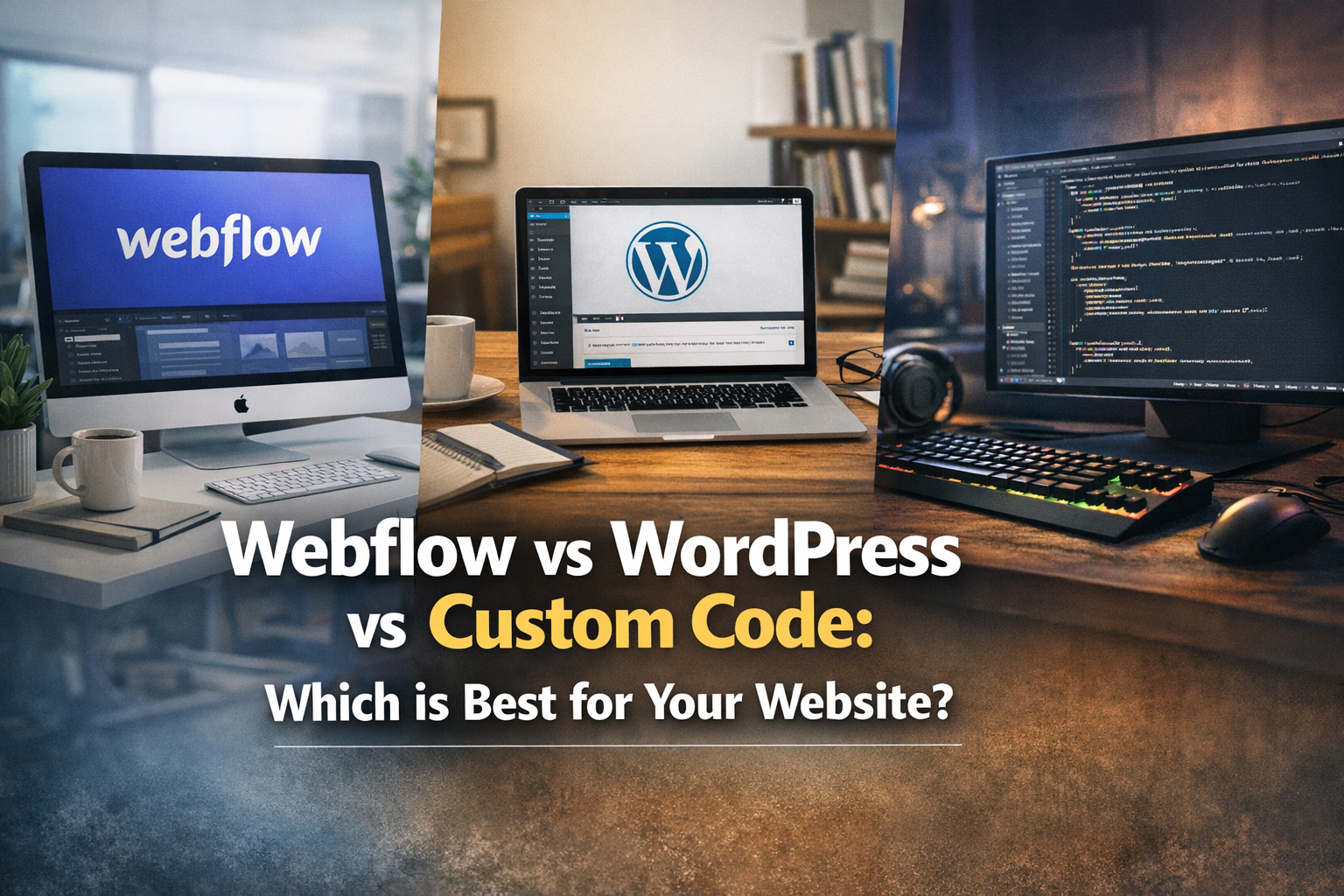
If you’re choosing a platform in 2026, you’re not really choosing “a website”. You’re choosing a workflow, a long-term cost structure, and a ceiling on what your marketing site can become.
This guide breaks down Webflow vs WordPress vs custom-coded sites using the questions that actually matter for a business: speed to launch, design control, SEO and performance, security/maintenance, and how easily your team can ship updates without bottlenecks.
Start with the real question: what role does your website play?
Before comparing platforms, define what your website must do:
- Lead-gen: convert traffic into calls, demos, or inquiries.
- Content engine: publish frequently to win search.
- Product-led: explain a complex product and push signups.
- Transactional: sell directly (eCommerce / paid memberships).
Different roles demand different levels of flexibility, governance, and performance.
Webflow: best for premium marketing sites that need speed + design control
Webflow is a strong choice when you want a high-end, highly designed website with fast iteration. It’s particularly effective for brands that care about conversion, interactions, and a consistent design system — without taking on a plugin-heavy maintenance burden.
Choose Webflow if you need:
- Pixel-level design with reliable front-end output
- Fast iteration (launch, test, refine)
- A scalable CMS for blogs, case studies, landing pages
- Clean, maintainable builds with fewer moving parts than WordPress
Common constraints to know
- Complex “app” features usually require integrations or custom development.
- Large-scale eCommerce or highly custom checkout logic can be better served by Shopify or custom builds.
- Internationalisation and advanced content governance can require planning.
[Internal Link: Projects]
WordPress: best when you need maximum ecosystem flexibility (and can manage it)
WordPress is the most flexible CMS ecosystem, largely because of plugins. If your business relies on specific functionality — multilingual, memberships, advanced editorial workflows — WordPress can be an excellent fit.
Choose WordPress if you need:
- Highly specific features available via mature plugins
- Editorial workflows for content-heavy publishing
- Ownership and portability with wide developer availability
The trade-off
- Maintenance: plugin updates, conflicts, security patches
- Performance work: caching/CDN configuration, plugin bloat control
- Design consistency: harder to keep the system clean over time
Custom code: best when the website is a product, not just marketing
A custom-coded website (Next.js, Astro, etc.) makes sense when you need unique functionality, deep integrations, or you’re building a platform where the front-end is tightly coupled to product logic.
Choose custom code if you need:
- Unique interactive experiences that go beyond a CMS site
- Deep integrations with internal systems
- Performance at scale with engineering-driven optimisation
- Complex data-driven pages and custom content pipelines
The trade-off
- Higher upfront build cost and longer timeline
- You’ll need ongoing engineering resources to keep shipping
- Non-technical teams often need a CMS layer added anyway
Quick comparison: which platform wins on what?
- Fastest premium launch: Webflow
- Largest plugin ecosystem: WordPress
- Most flexible engineering: Custom code
- Lowest maintenance burden: Webflow (typically)
- Most predictable “content team workflow”: Webflow or WordPress (depending on setup)
Decision framework (use this)
Answer these five questions honestly:
- How often will we update pages? Weekly updates favour Webflow/WordPress over custom.
- Do we need complex functionality? If “yes”, decide if plugins cover it (WordPress) or if it’s truly bespoke (custom).
- How important is design + conversion polish? If “very”, Webflow shines.
- Who maintains this long-term? If no one wants to manage plugins, avoid WordPress bloat.
- What’s the 12-month roadmap? Don’t pick the platform for today if you’ll outgrow it in 6 months.
FAQ
Is Webflow good for SEO?
Yes — when built properly. SEO is a combination of technical fundamentals, content, internal linking, and performance. Webflow can support all of these with the right build discipline.
Is WordPress cheaper?
Often cheaper upfront, but long-term cost depends on maintenance, performance work, and plugin complexity.
When is custom code worth it?
When the website needs product-like features, unique interactions, or heavy integration — and you’re prepared to maintain it like software.
Next step
If you want a platform recommendation based on your goals (not generic advice), we can review your current site and roadmap and suggest the most cost-effective path.
[Internal Link: Contact]

.svg)
.svg)
